
AI Knowledge Graphs vs Traditional Folders: Why Your File System Holds You Back 🌿
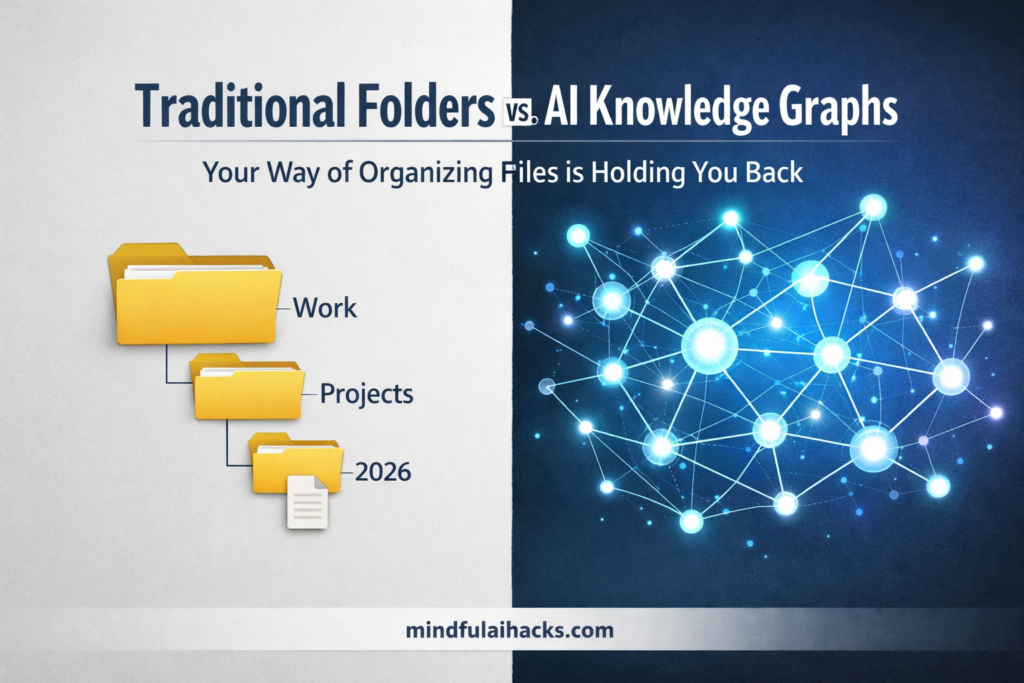
Let me ask you something. When deciding between AI Knowledge Graphs vs Traditional Folders, it quickly becomes obvious that the old way of organizing files is holding you back. Do you have a folder on your computer called “Work”? And inside it, another folder called “Projects”? And inside that, a folder called “2026” — with one lonely document sitting there that you haven’t touched in months? Yeah. We’ve all been there. Now imagine you need to find something specific — a great idea you saved, a research note, or a blog topic. What do you do? You start clicking through folder after folder, hoping you remember where you put it. That whole experience? That’s called a hierarchical folder system. And honestly — it’s exhausting. Here’s the thing: this system was designed for paper files and filing cabinets back in the 1980s. We’ve been using it on computers ever since without really questioning it. It’s time to question it. 📂 Why Traditional Folders Actually Work Against You The biggest problem with rigid folders is simple: one file can only live in one single place. Say you save a note about an AI tool. Where does it go? You have to pick one. And the moment you do, that note gets cut off from everywhere else it could be useful. Over time, this creates three real problems: 🧠 How Your Brain Thinks (An Intro to AI Knowledge Graphs vs Traditional Folders) Here’s something interesting: your brain doesn’t work in folders. When you think of the word Minimalism, your brain doesn’t open a mental drawer labeled “Minimalism.” Instead, it instantly connects to related ideas — simple living, saving money, clearing clutter, feeling calm. One thought links to many others at once. That’s called thinking in connections. And when analyzing AI Knowledge Graphs vs Traditional Folders, that is exactly where the graph system wins. Instead of forcing every note into a single folder, a knowledge graph treats each piece of information like a dot — and draws lines between dots that are related. So if you save a note about a budgeting tool, it automatically connects to your notes on financial planning, productivity apps, and maybe even your blog draft on saving money. You don’t have to manually link any of it. ⚡ The Power of AI Knowledge Graphs vs Traditional Folders Modern productivity tools are moving fast toward connected systems. If you look at the core differences between AI Knowledge Graphs vs Traditional Folders, adding artificial intelligence to your notes changes everything. Three powerful things happen when you switch: 📊 Side-by-Side Comparison Feature Traditional Folders AI Knowledge Graphs Structure Rigid, tree-like Flexible, web-like Storage Model One note lives in one folder only Connected to many topics simultaneously Finding Files Click through folders or guess keywords Ask naturally, AI finds it instantly Upkeep Constant manual effort AI handles connections for you Best For Old tax files, static receipts Active ideas, research, blog planning 🛠️ How to Start Using AI Knowledge Graphs vs Traditional Folders You don’t need to delete everything and start over. Just take it one step at a time to ease into a workspace built around AI Knowledge Graphs vs Traditional Folders. 🎯 The Bottom Line You’re dealing with more digital information today than ever before. Stuffing it all into a folder system designed for physical paper files is just making your life harder. When you weigh the benefits of AI Knowledge Graphs vs Traditional Folders, you realize you don’t have to play the role of a file clerk anymore. You let the AI handle the heavy lifting of organizing, freeing your brain up for the good stuff: thinking, creating, and connecting ideas. Take a look at your desktop right now. If it looks like a maze of nested folders, pick just one project and try moving it into a connected tool. You might be surprised how much lighter your brain feels. Have you tried using a graph-based note system yet? Drop a comment below and let’s chat about it! 👇